· v0.6.5 · MIT License · Source: hero.md
Hero
Hero is the full-width promotional header of a landing page: a display title, a subtitle, and one or more call-to-action links, with an optional background media layer and scrim. Use a hero when a page opens with a single message that must lead the screen and push one clear action. It is a composition of the Button partial and display typography, and it owns the page's single h1.
Specimen
This page renders the real hero template markup live:
Gelium UI
Server-rendered UI without the JavaScript tax
Native HTML semantics, real links, and zero component JavaScript across the whole library.
With a background media layer the hero adds ui-hero--has-media and an absolute ui-hero-media layer behind the content:
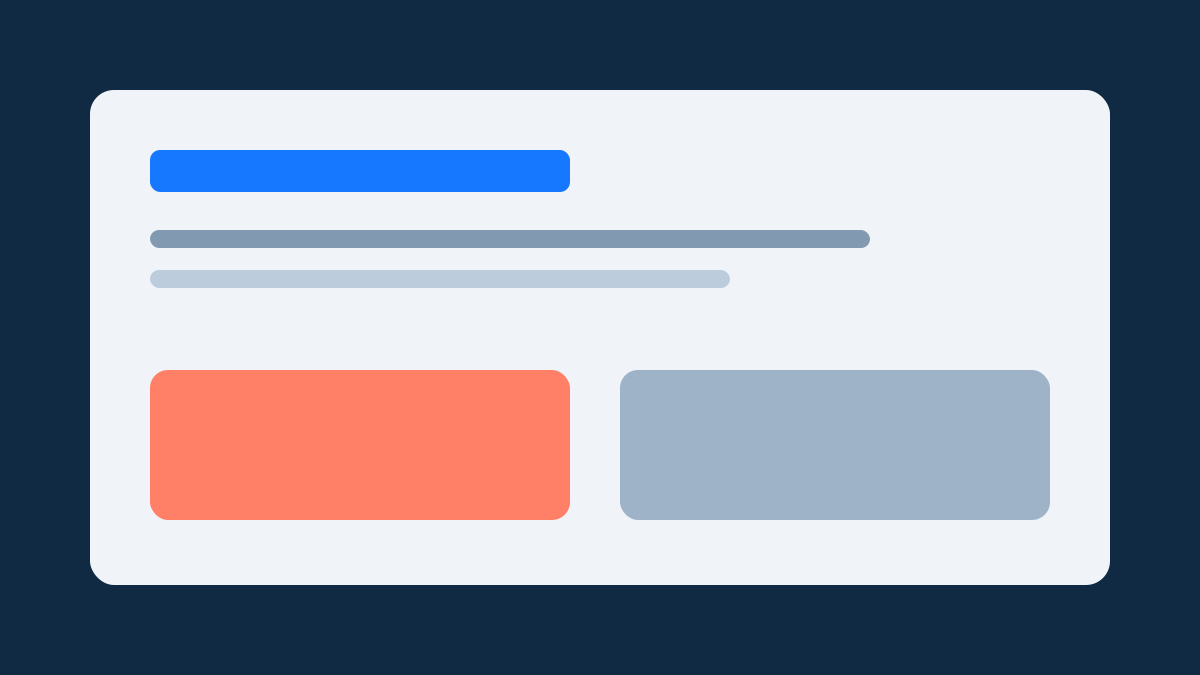
Gelium UI
Server-rendered UI without the JavaScript tax
Native HTML semantics, real links, and zero component JavaScript across the whole library.
Guidance
When to use
Use a hero when a page opens with a single message that must lead the screen — a landing page, a campaign, or a product pitch. It earns its place when the page has one clear action to push and a short story to tell before the supporting content.
When not to use
Do not use a hero inside a documentation or reference page: .prose headings and normal page structure communicate reference content better than a billboard. Never stack more than one hero per page — the hero owns the page's single h1. For a section opener inside a page, use typography and spacing instead of a second hero.
Usability
- The title uses
--ui-hero-title-type(--ui-type-display-lg) and falls back to--ui-type-display-smunder48rem, so the longest line never clips inside the hero's rounded box. - The subtitle and eyebrow paint the muted ink (
--ui-hero-subtitle-color,--ui-hero-eyebrow-color), so the title stays the loudest element. - The actions are real Button links inside
ui-hero-actions; they wrap on narrow screens instead of shrinking. - Background media fills the box with
object-fit: cover; the scrim is a scoped token (--ui-hero-scrimat--ui-hero-scrim-opacity), not a fixed overlay.
Accessibility
- The hero title is the page's
h1: render exactly one hero per page and keep heading order intact. - Background media is decorative: keep images presentational (
alt=""oraria-hidden) so the reading order and announcements are untouched. - In forced-colors mode the hero repaints a
CanvasTextboundary and the media layer is hidden, so the message survives without color.
Anatomy
ui-hero— the billboard box:--ui-hero-surface, a 1px--ui-hero-border,--ui-hero-radius(lg), and generous padding (--ui-space-6/--ui-space-4, widening to--ui-space-8/--ui-space-6at48rem). Content flows as a centered column with--ui-hero-gapspacing.ui-hero-media— the absolute background layer (inset: 0,z-index: 0) for an image or video. Adding it switches the root toui-hero--has-media, which draws the scrim as a::afterlayer.ui-hero-content— the relative foreground column (z-index: 2) capped at44rem:ui-hero-eyebrow(label-lg),ui-hero-title(display-lg),ui-hero-subtitle(body-lg),ui-hero-actions(Button links).
All colors and geometry come from the scoped --ui-hero-* tokens, so a consumer can retune the billboard per placement without new theme work.
Variants
- Plain hero — no media layer; the surface and border paint the whole box.
- Media hero —
ui-hero--has-mediawithui-hero-media; the media fills the box and the scrim keeps the text legible. There is no animation, so no reduced-motion block is needed.
Sources
- Registry:
docs/gelium-ui-component-registry.md(Hero row, phase P) —.ui-hero,--ui-hero-*,--ui-type-display-lg,--ui-color-scrim. - Vocabulary:
docs/gelium-ui-vocabulary.md§5 — Hero is the promotional Billboard; the Phase D Callout tip box is a different component and the name is closed. - Implementation:
lib/templates/hero.html,lib/styles/hero.css.
See also: Button for the CTA link styles, Screens for where a hero fits among page types.